Art
Commissioned art, checked like code
Weapons, zombies and trams all go the same way: brief, package, control sheets, sign-off, and only then integration. Every fix gets a version number and a side-by-side with the previous one.
3.1 Weapon framing template
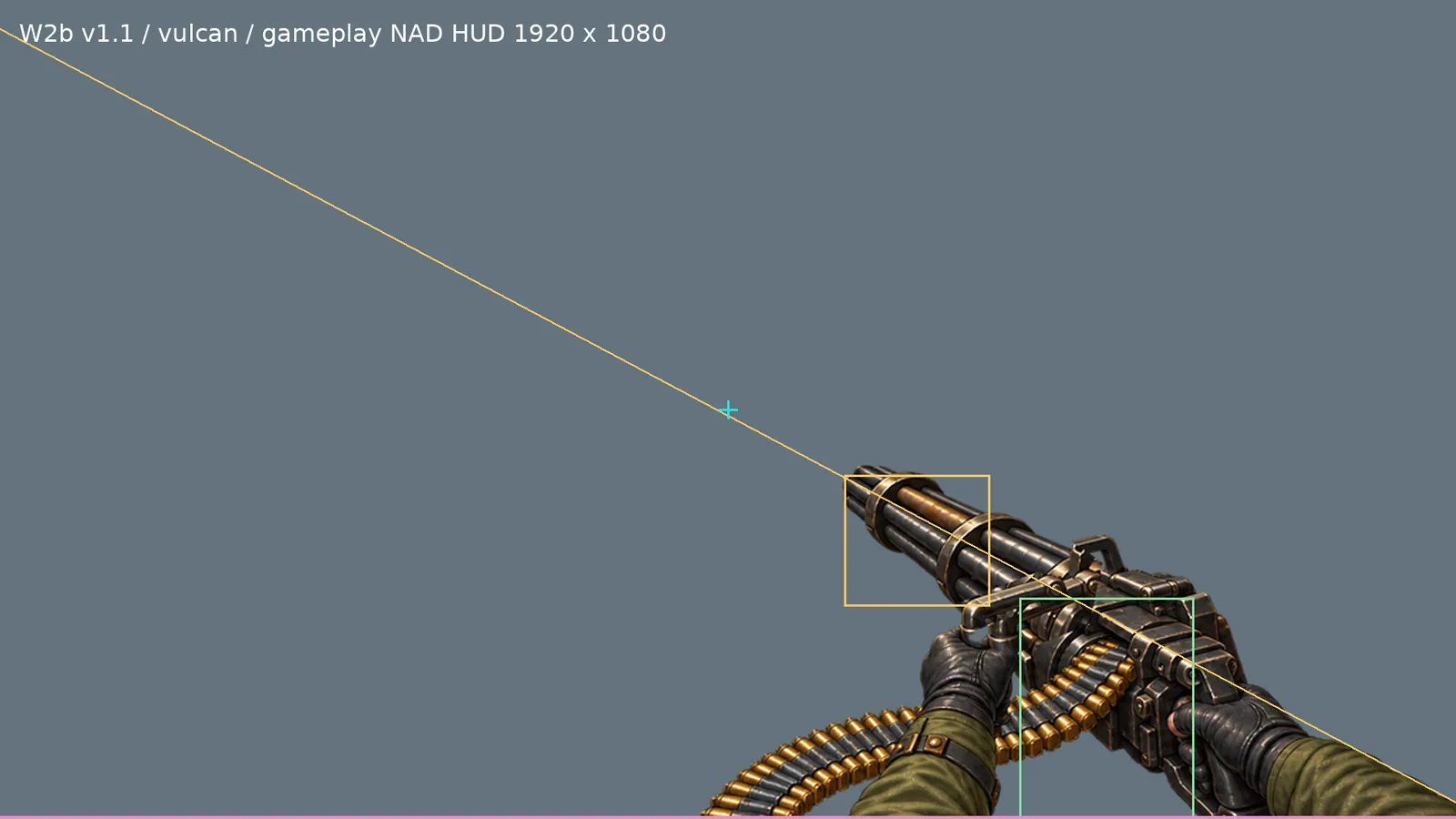
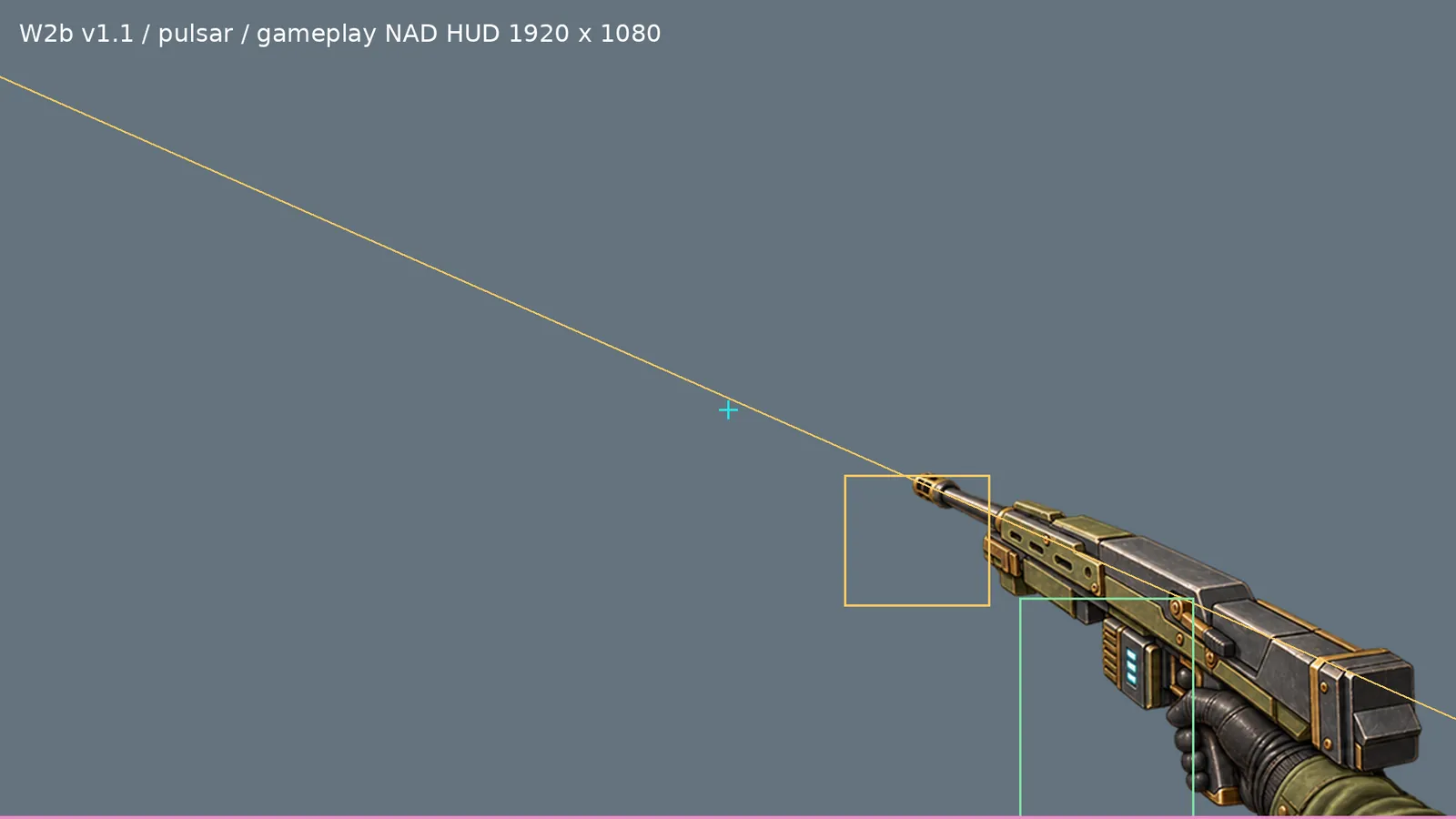
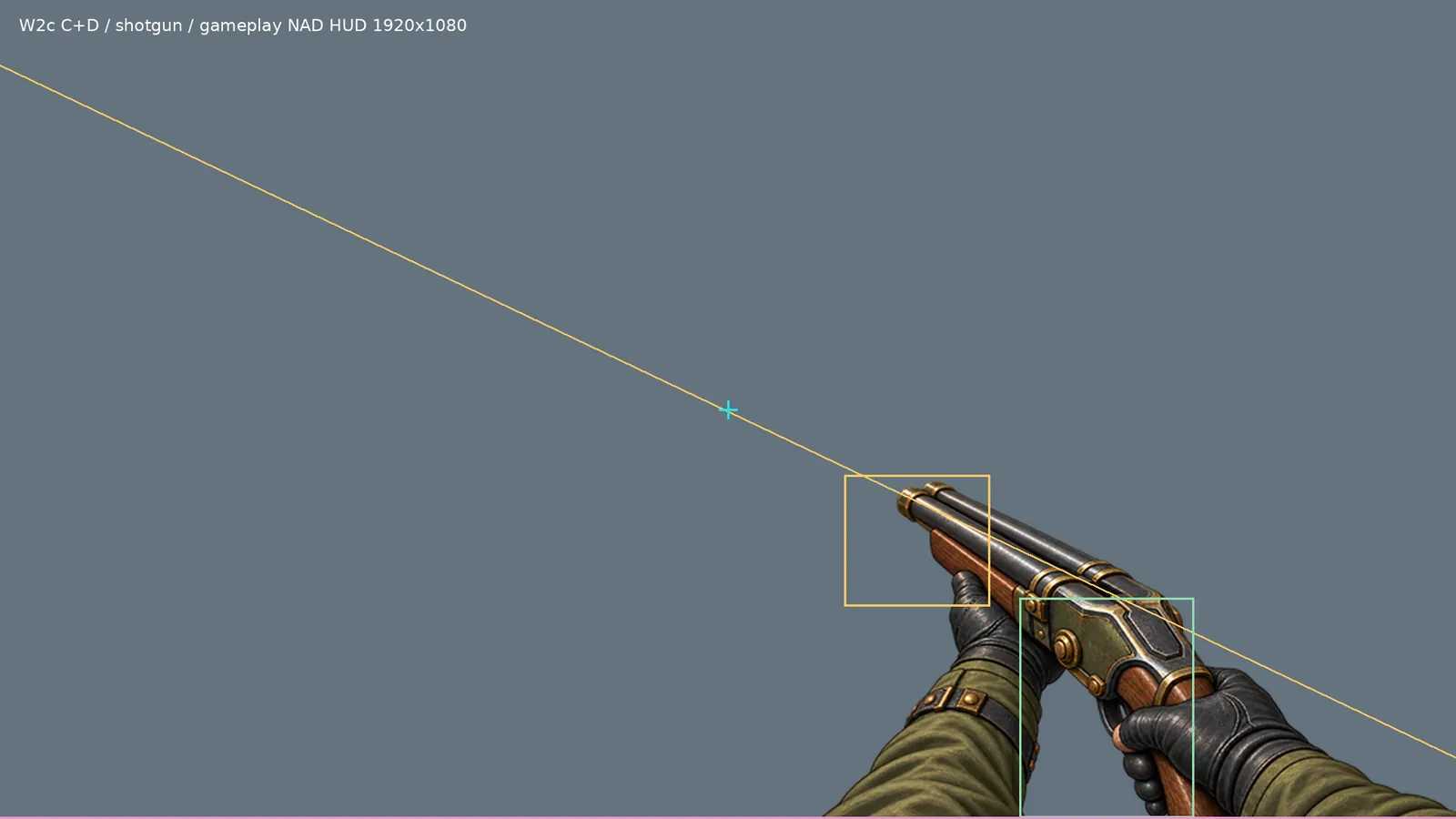
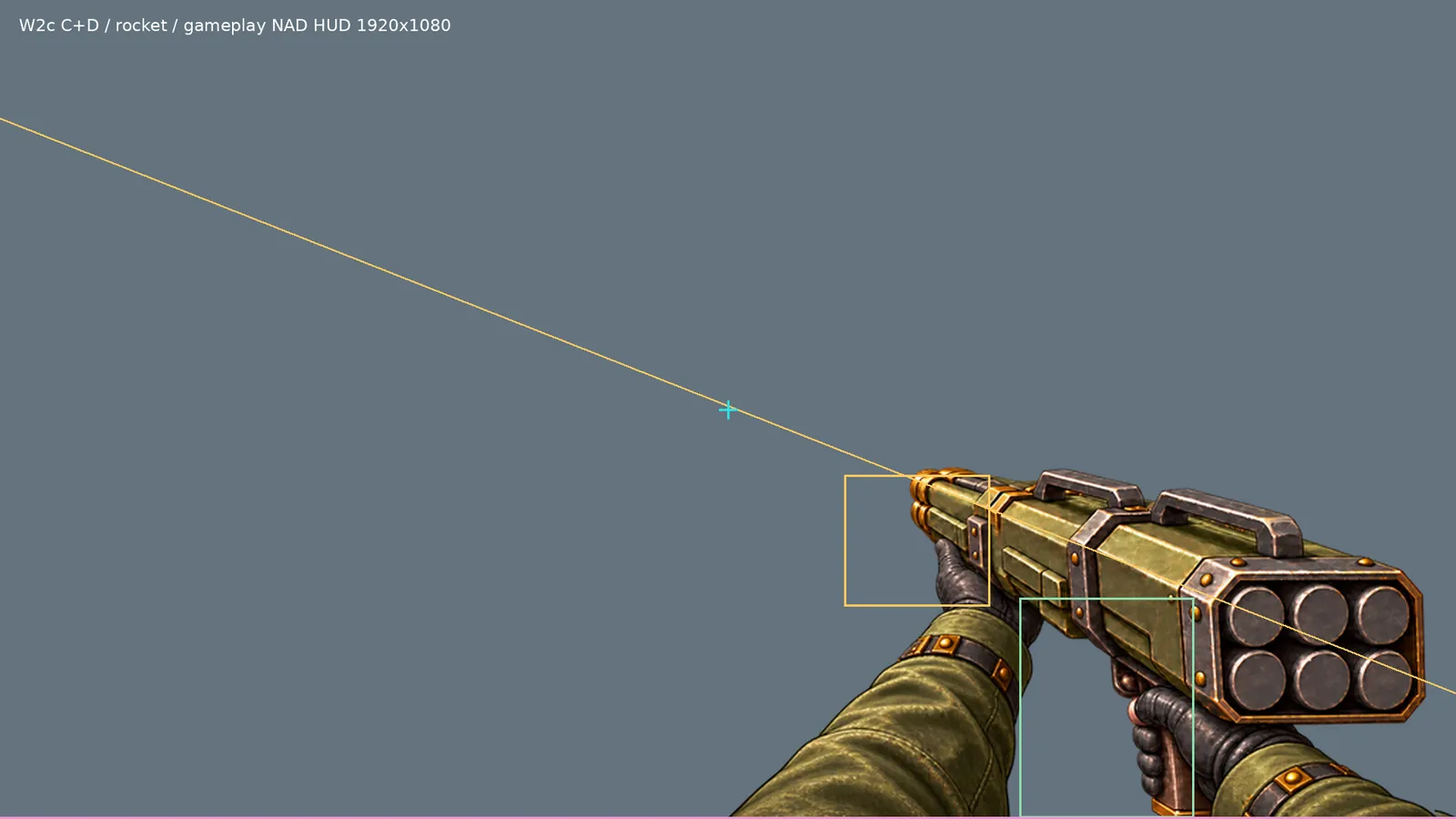
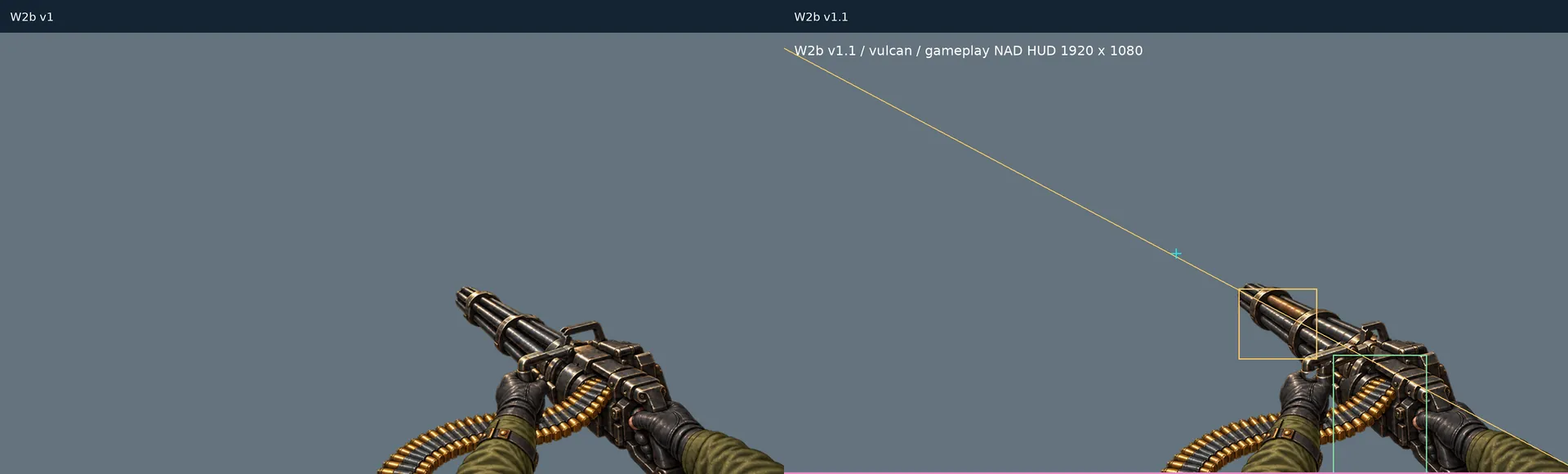
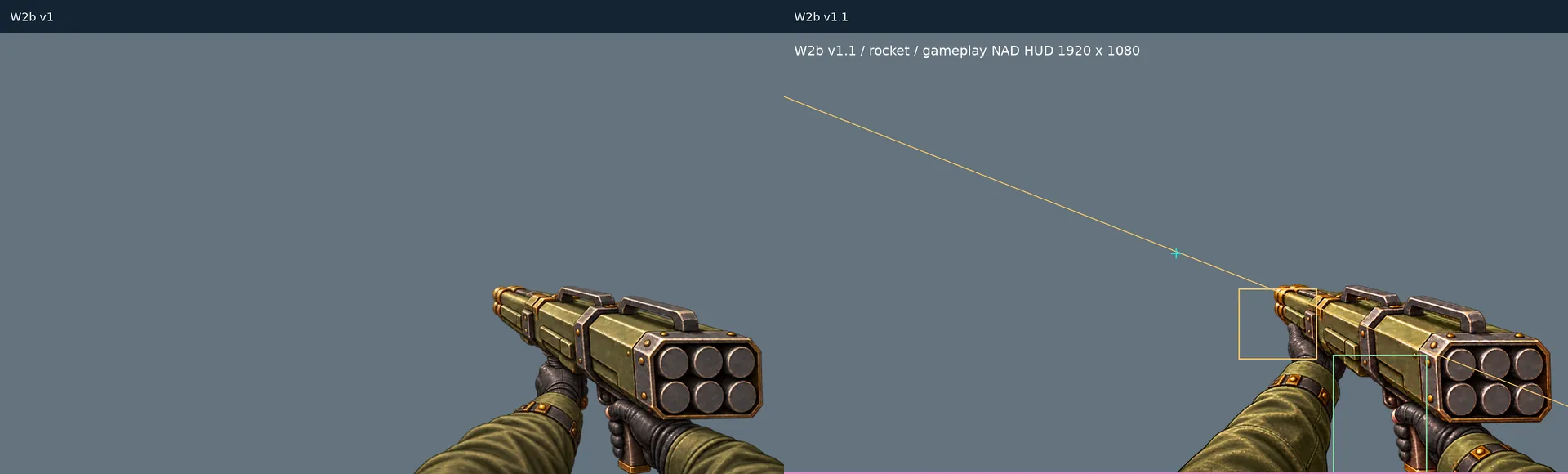
First-person weapons are painted in 2D, but every one of them has to sit in the same place on screen. So each order starts from a template: a 1920×1080 frame, a barrel axis running through the crosshair in the centre, and fixed zones for the muzzle, the hands and the sleeve at the right edge.
Every weapon gets a control sheet with those lines drawn over the painting. Sign-off means checking the sheet – no need to start the game. The same frame then goes into atlases in two profiles: desktop 1024² and mobile 512².
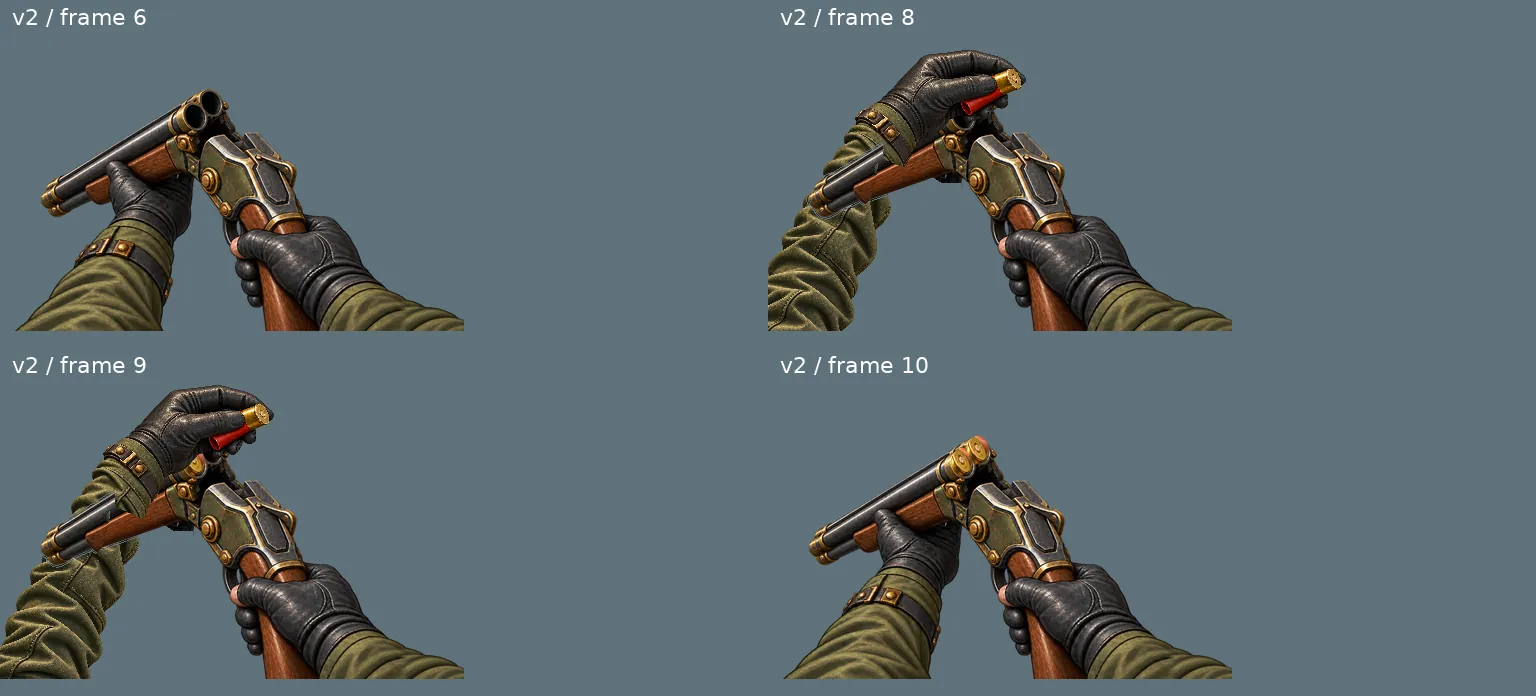
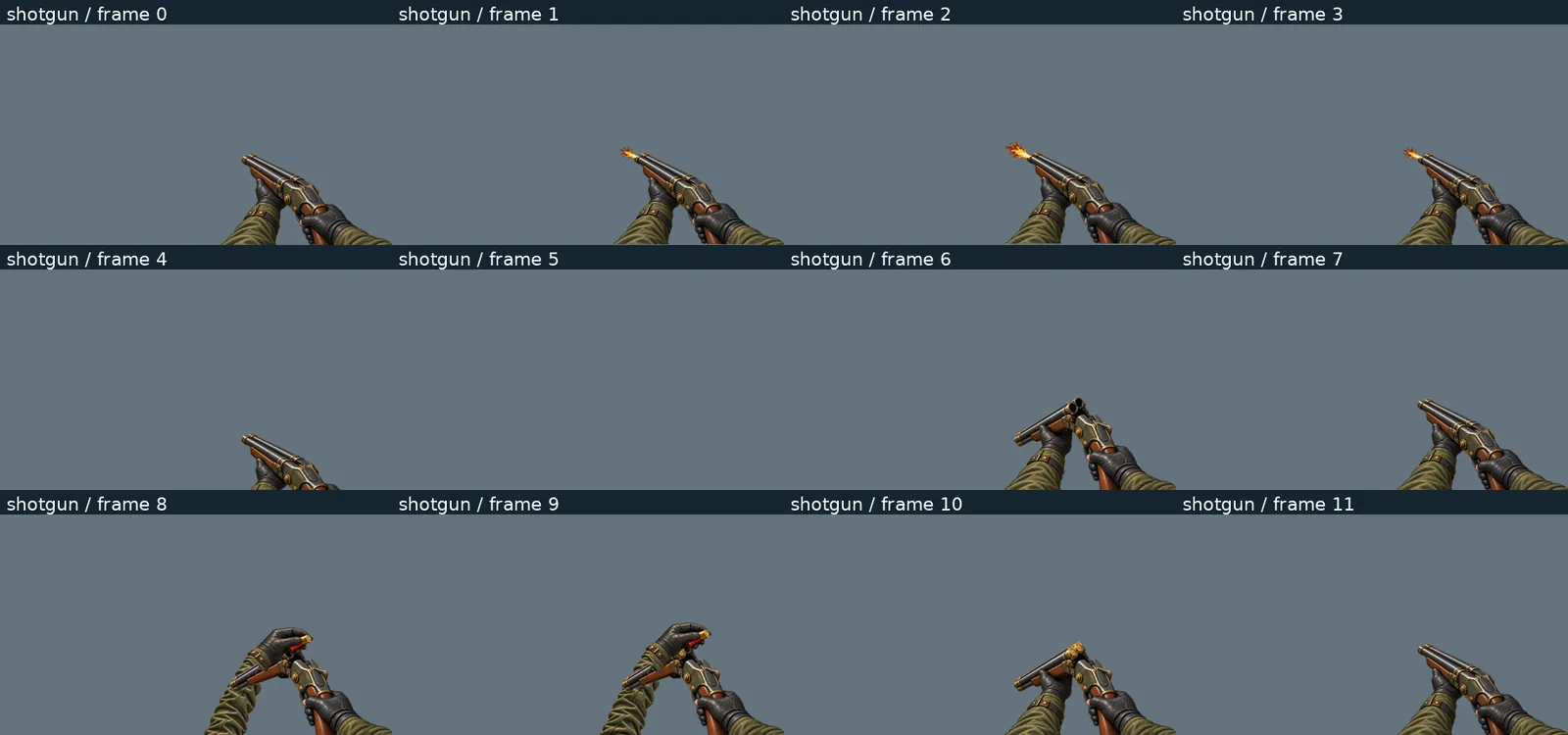
Exceptions are explicit. A broken-open double-barrel shotgun is not aiming while it reloads, so frames 6 and 8–10 are listed in the package’s validation file as exempt from the axis rule.
Proof of motion, not just a picture
3.2 Packages and iterations
Art arrives in versioned packages with a manifest, SHA-256 sums, a validation file and a folder of previews. A package never silently overwrites the previous one: frame indices and atlas layouts are kept, and every change is listed with before and after checksums.
- Katana · revision 2
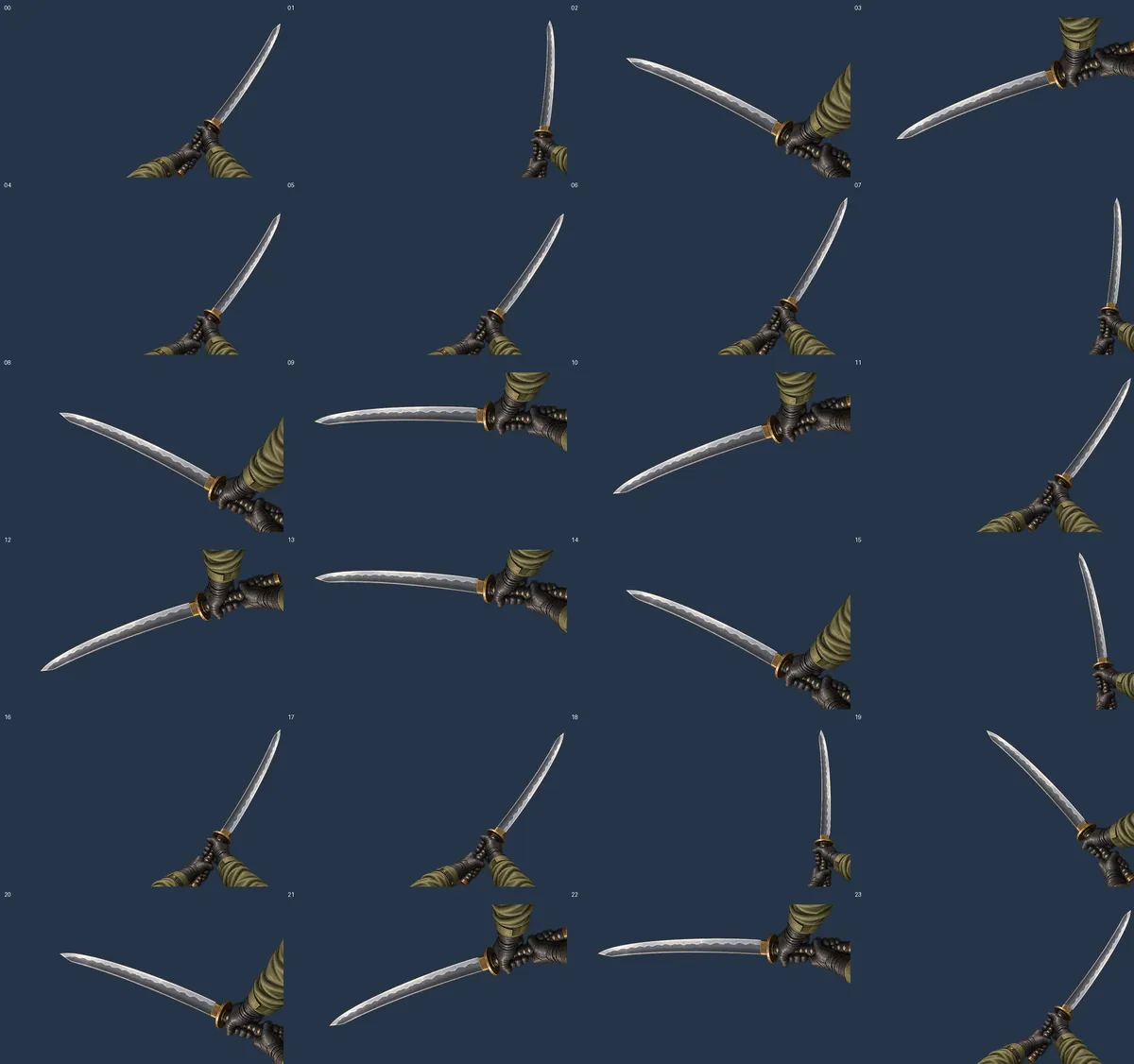
24 frames as a rigid animation of a single painting: rotation, translation and uniform scale only. A validator compares the atlas pixels against a freshly recomputed master.
- Pistol · revision 1 → 1b
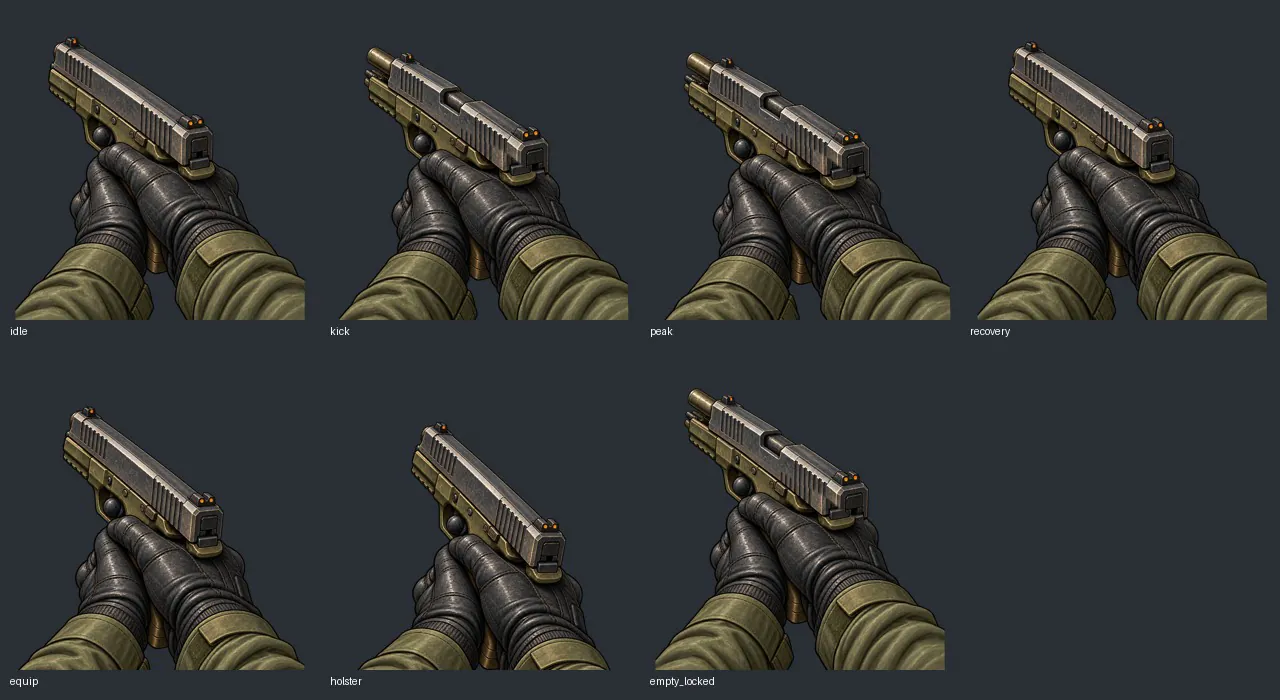
The slide-closed and slide-open frames had different gloves, so the image jumped on every shot. In 1b all 7 frames come from one master, and only the slide strip is swapped.
- W2b v1 → v1.1
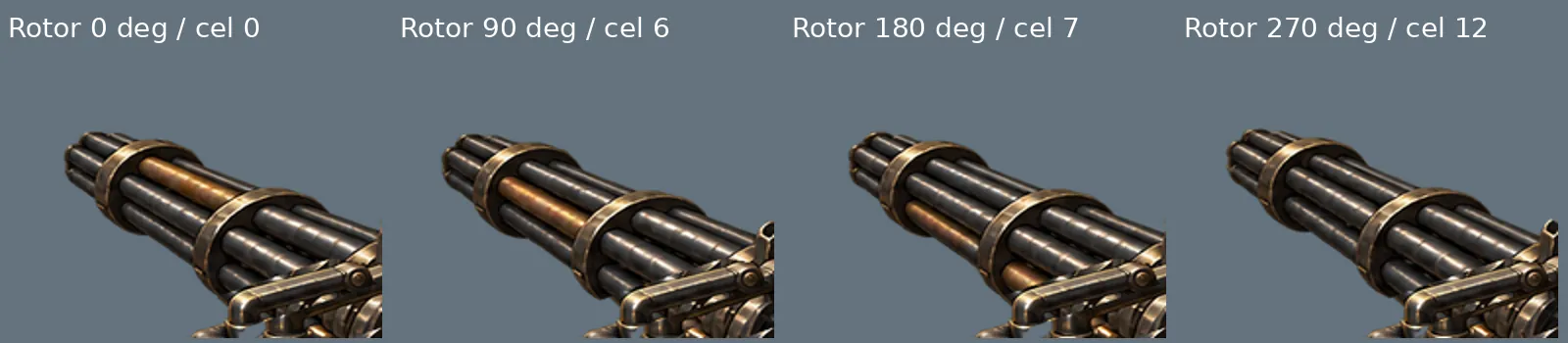
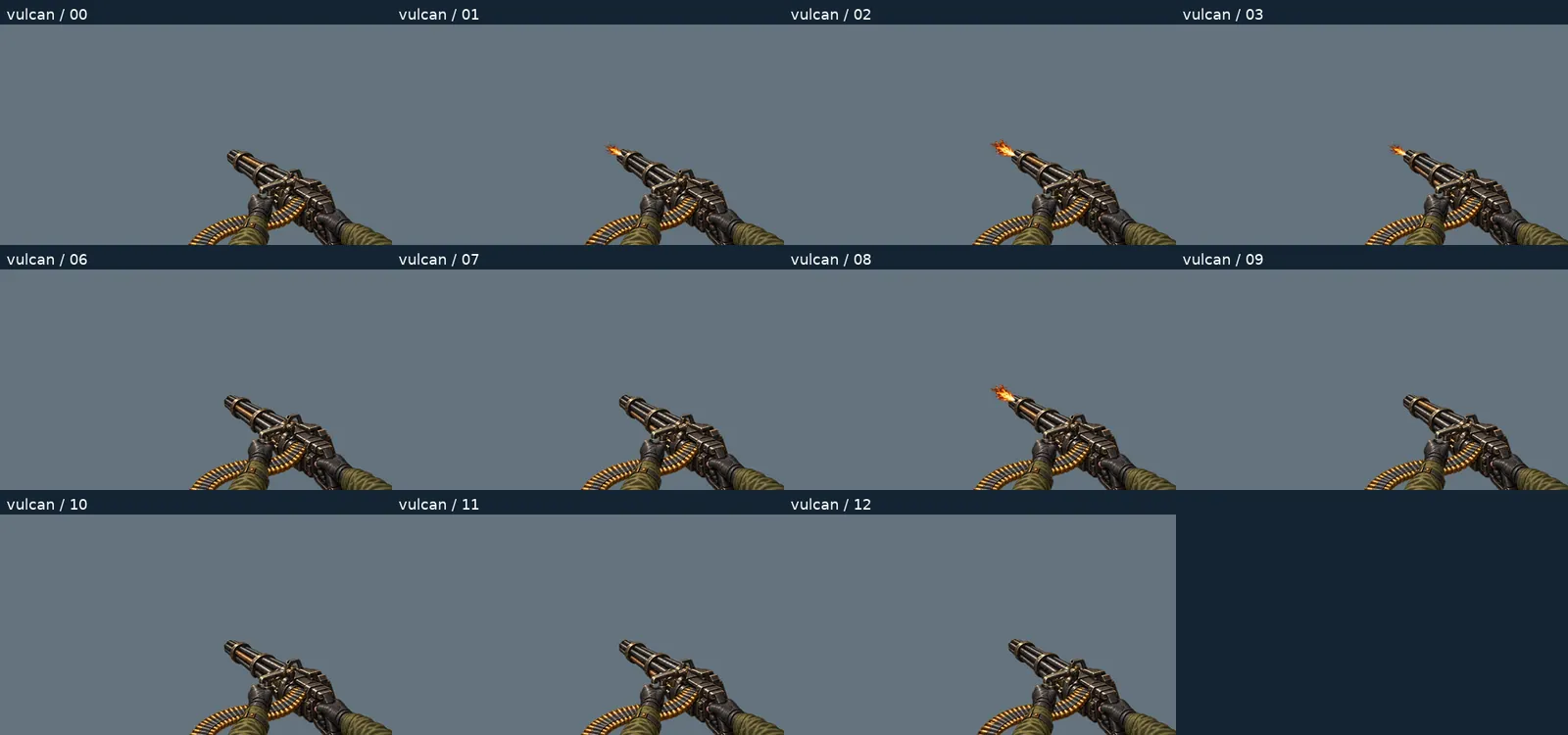
Vulcan: new barrel cluster and four rotation phases. Rocket launcher: new reload, the rocket goes into the tube from the player’s side. Pulsar: painted firing pulses. Double-barrel: new, shallower frame.
- W2c C+D v1
Double-barrel: reworked loading frames 8–10 and sleeve. Rocket launcher: only the sleeve was painted in – every previously opaque pixel stayed identical. 48 frame/profile combinations checked.
- W2c C+D v2
Only the double-barrel’s left glove in frames 8–9 and the hinge seam. The rest of the accepted package unchanged.
3.3 Zombies: from concept to a model built in code
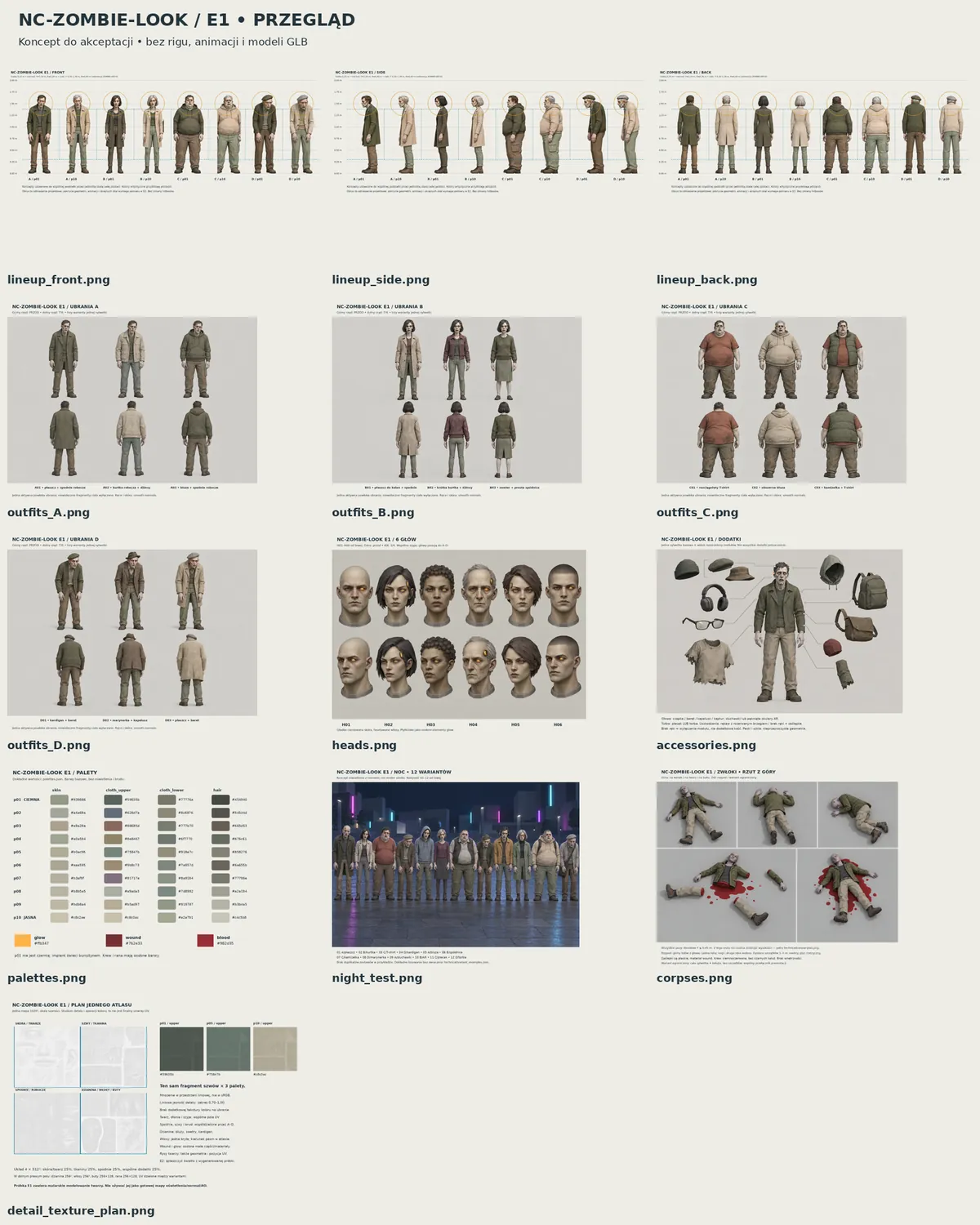
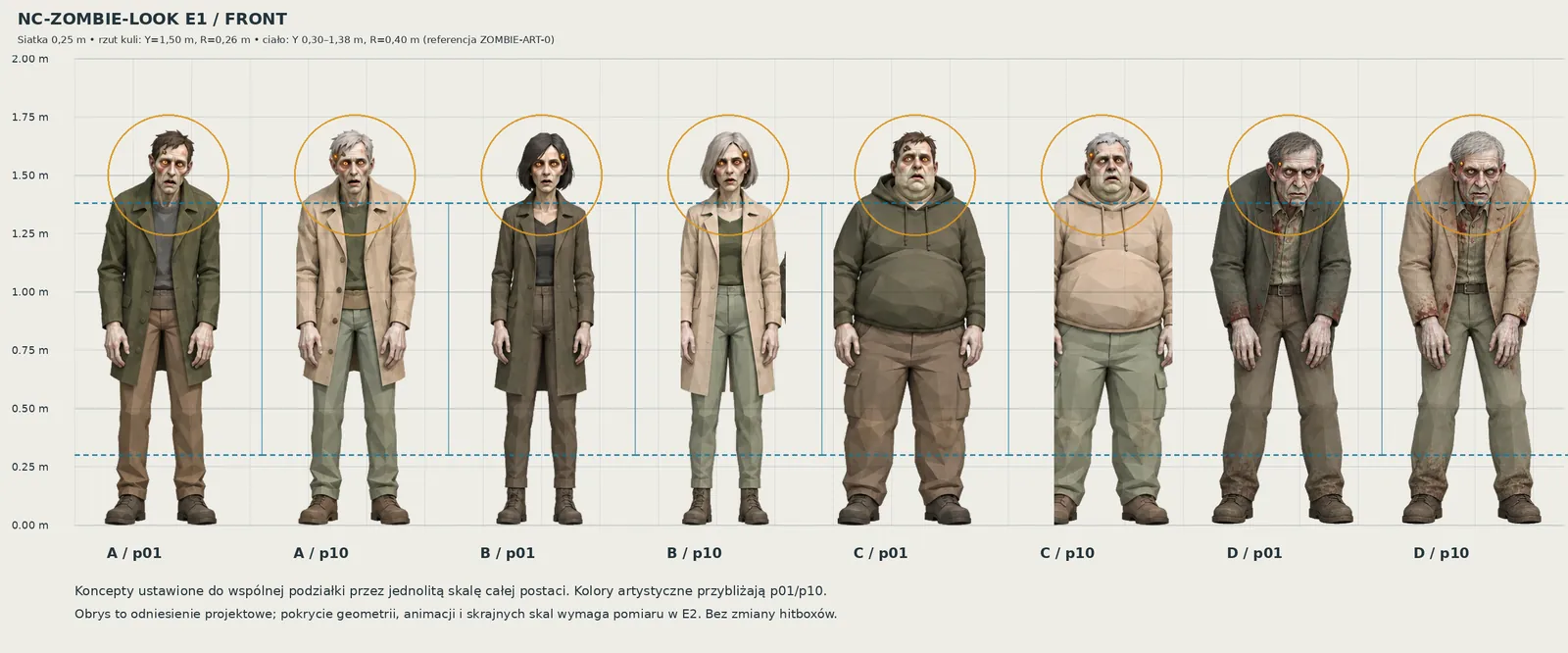
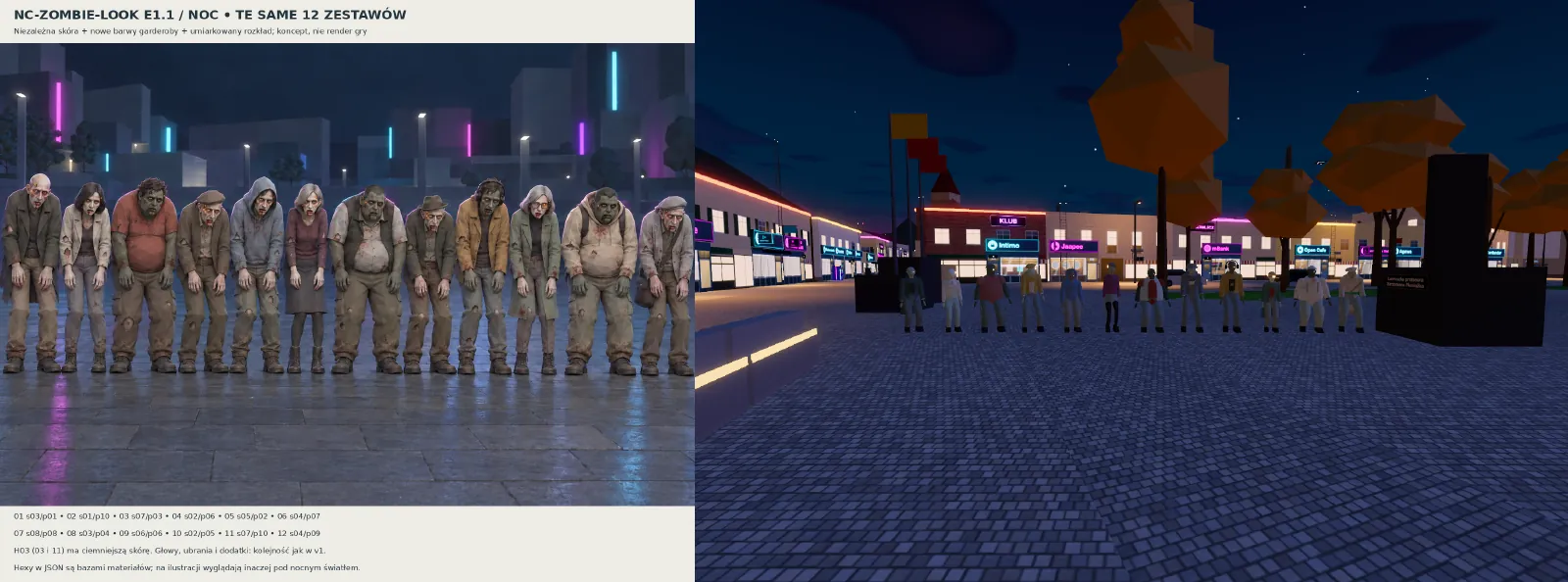
The zombies started as concept sheets: four body types (A–D), outfits, heads, palettes and a night test. The concept already carries the numbers the game needs – a height of about 1.70 m, unchanged body and head hit zones, an 18-bone plan, eight skin tones independent of ten outfit palettes.
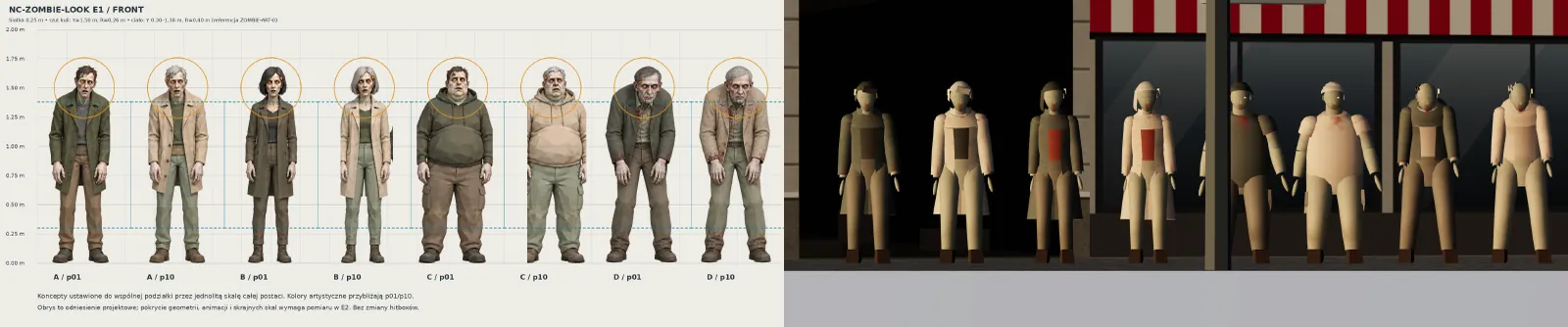
The 3D models are not sculpted by hand. They are generated in code, and a validator checks them frame by frame – for example that the skull stays inside the head hit zone in every standing animation, at the extreme scales.
In the montages the concept sheet is on the left and the in-game render on the right, from the same camera distance and angle. What the horde looked like before, as flat sprites, is shown by the slider in section 6.
3.4 Trams
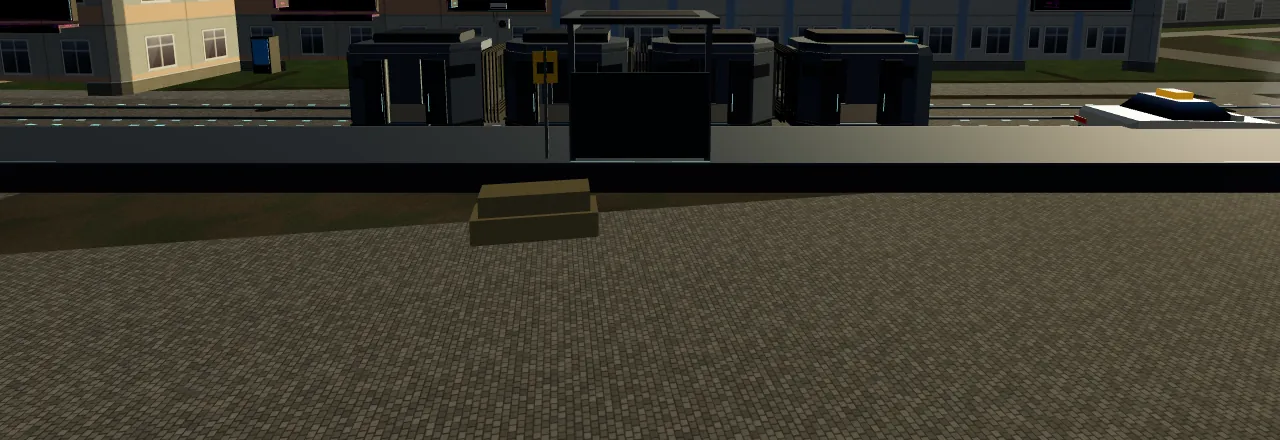
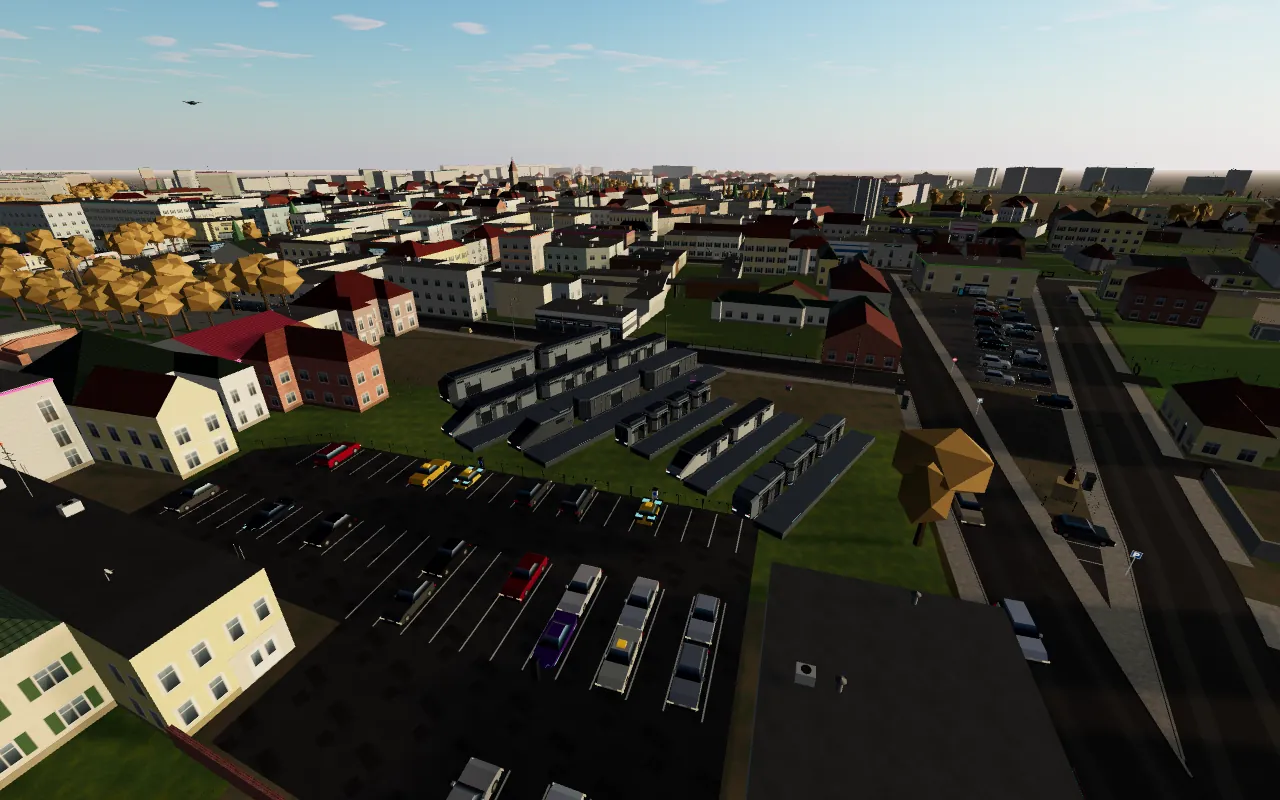
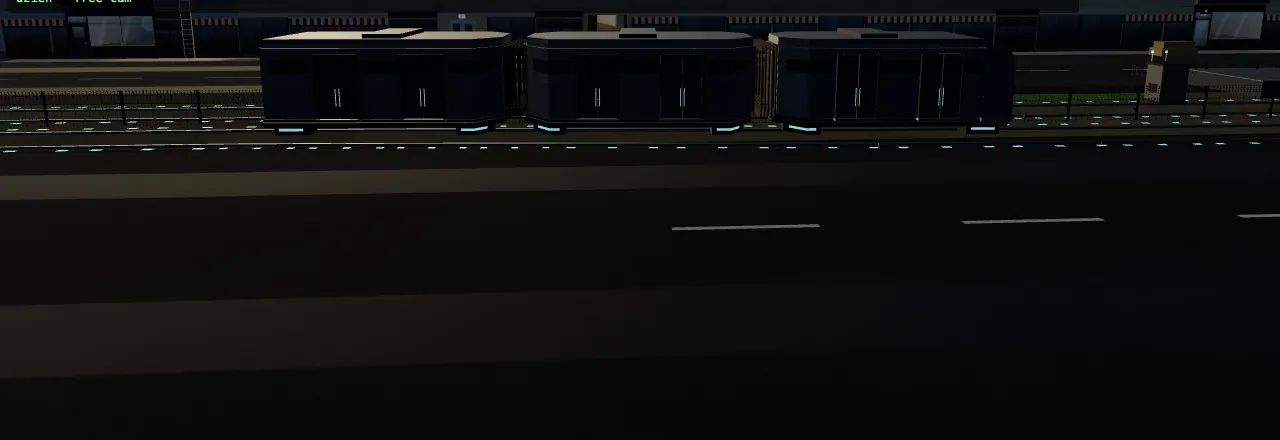
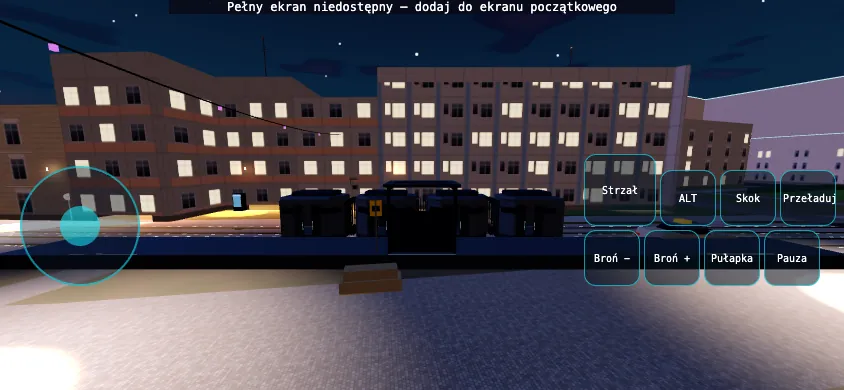
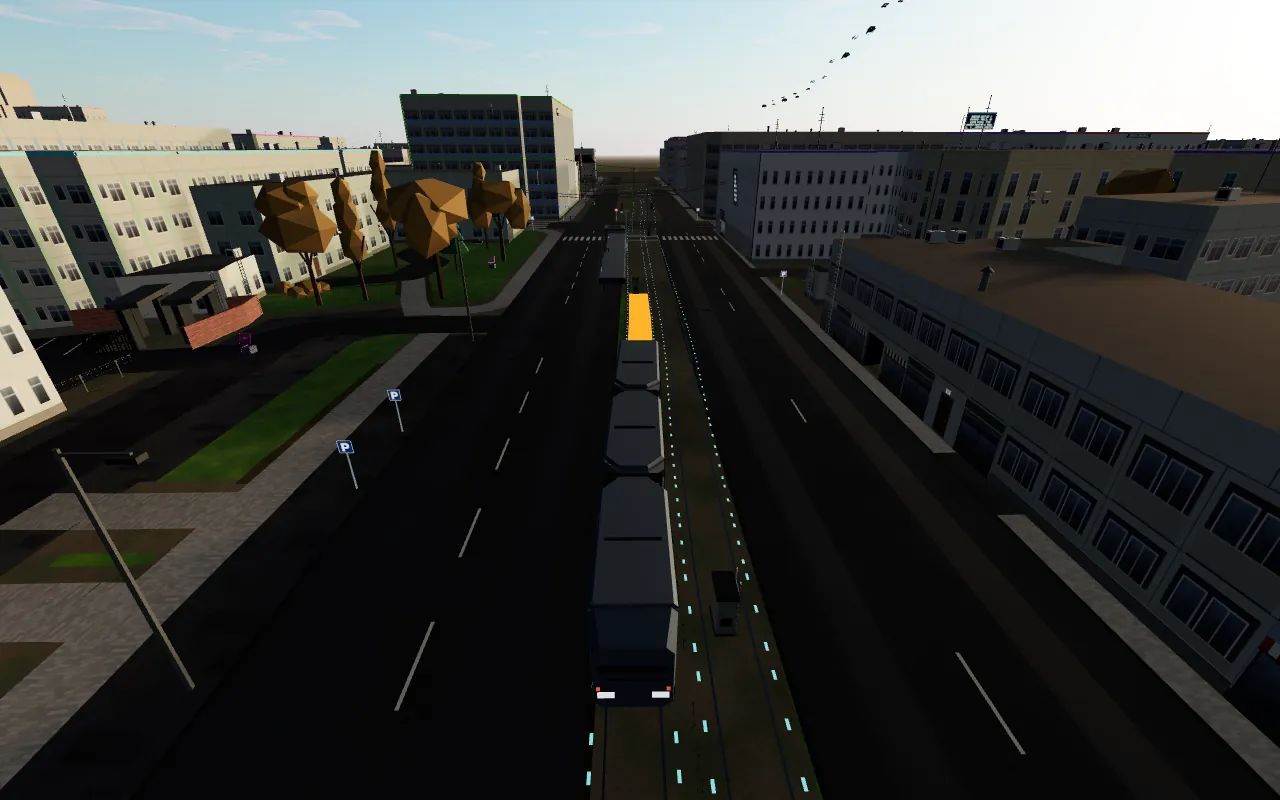
Three tram types (T1–T3) have full models, simplified LOD versions for the distance and a shared asset bank. The full model appears where the player looks up close: at the doors, at a stop and on a curve. An ordinary match runs at most three full instances at once.
Tracks follow real line segments from OpenStreetMap, and platforms and shelters appear only where the data confirms the platform’s length and side. How a tram “knows” where it is is covered in section 2.4.
Rights and sources. Artwork, models and sheets: by Marcin Krzętowski, made with the help of AI tools (a local language model supported by cloud models: OpenAI image_gen and Codex, Claude). All rights reserved.
In-game screenshots and montages: Setech Game Studio. Map: © OpenStreetMap contributors (ODbL).