Architecture
One simulation, two places to run it
The same deterministic simulation runs the game on the server and, ahead of time, in the browser. The server has the final word, the client predicts, and in solo mode the server runs locally inside the tab.
2.1 Components
The client is a three.js application: it renders the city, the HUD and the weapon, collects player input and predicts the outcome of the player’s own moves. It does not decide hits, damage or what the horde does next – that is the simulation’s job.
The simulation (the sim package) is deterministic: the same state and the same inputs give a bit-identical result. That lets one codebase play three roles – on the cloud server, in the browser as prediction, and in solo mode as a LocalServer inside the tab, with no network at all.
The backend runs on Cloudflare: the static client on Pages, the API on Workers, co-op rooms and their checkpoints in Durable Objects, tiles and finished arenas in R2. The protocol package makes sure the client and the server speak the same language.

2.2 A co-op match with prediction
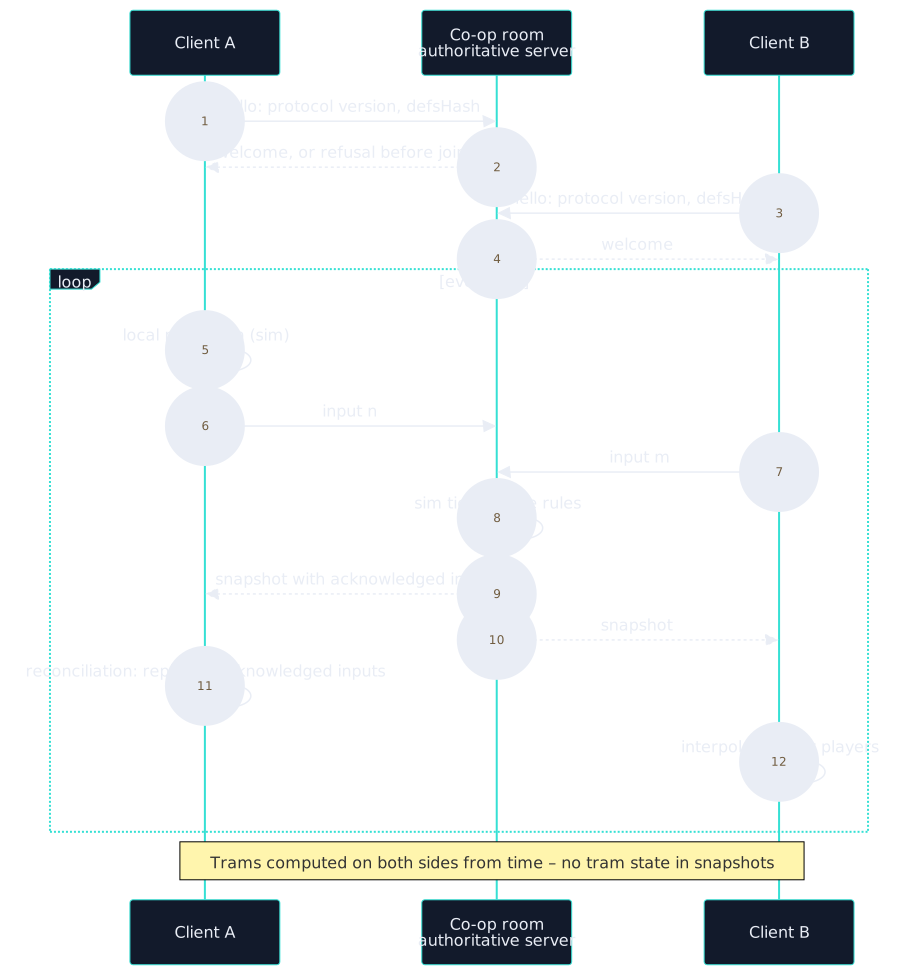
Before a player joins a room, client and server compare the protocol version and the defsHash – a hash of every gameplay definition (weapons, enemies, trams). A mismatched pair is turned away before the welcome message. A clear error beats a match in which the two sides compute different damage.
During play the client doesn’t wait for the server: it predicts its own movement straight away with the same simulation code. When a snapshot arrives, it compares it with the prediction, rewinds to the confirmed state and replays the inputs the server hasn’t acknowledged yet. Other players and bots are interpolated.
With 150 ms latency and 30 ms jitter, the tram tests measured a 0 m gap between prediction and server, and remote entities within 1 mm.
2.3 Arenas from OpenStreetMap
Every arena is a 600 m circle around the market square of a real city. The generator reads tiles of OpenStreetMap data and writes three files: JSON with the arena description, PRE with precomputed data and GEO with geometry and colliders.
The generator has a version, GEN – a hash of the rules that affect its output. Changing a rule changes GEN, and the files go to a new prefix in R2, so old and new versions never mix. Mutation tests check both directions: a rule change must bump the version, and a change that doesn’t affect output must not.
Generation is deterministic. In the latest delivery 20 of 20 arenas had identical SHA-256 sums for all three files across two independent runs. The largest arena takes 853 KB compressed – below the 1 MB limit.

| Arena (seed 1) | Qualifying routes | Trams | Stops on chosen routes |
|---|---|---|---|
| Wrocław, Market Square | 46 | 3 | 3 |
| Łódź, Plac Wolności | 24 | 3 | 5 |
| Kraków, Main Square | 20 | 3 | 4 |
| Warsaw, Old Town | 4 | 3 | 0 |
| Skierniewice, Market Square | 0 | 0 | 0 |
2.4 Trams as a function of time
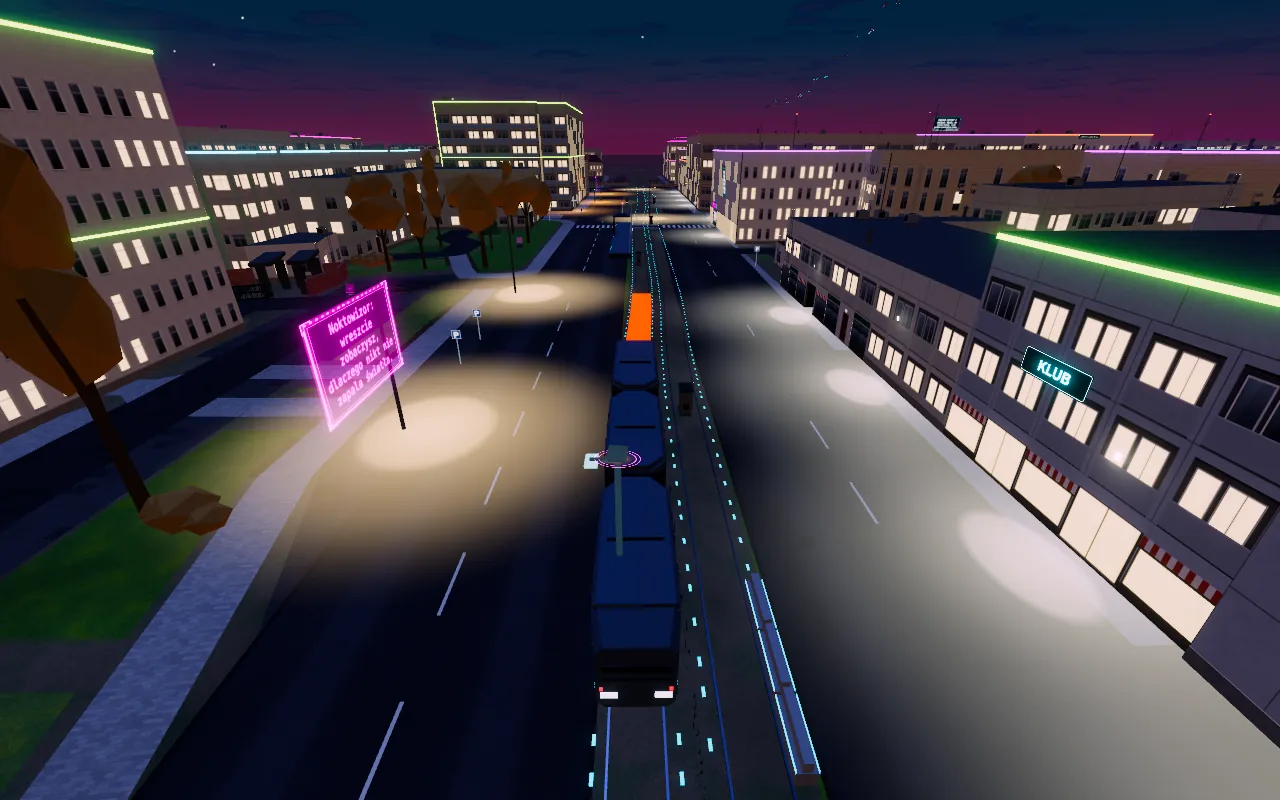
In the game a tram is a large moving object that can push a player away and deal damage. Sending its position in every snapshot would be easy – and expensive. Instead, a tram’s position is a pure function of the arena data, its seed and the tick number. Server and client import the same implementation, so both sides know where every tram is without a single byte on the wire.
The timetable doesn’t depend on players, graphics quality or the wall clock. Snapshots and checkpoints hold no tram state – only the player has state (such as the time until the next hit can land), so after a match resumes the tram is exactly where it should be.
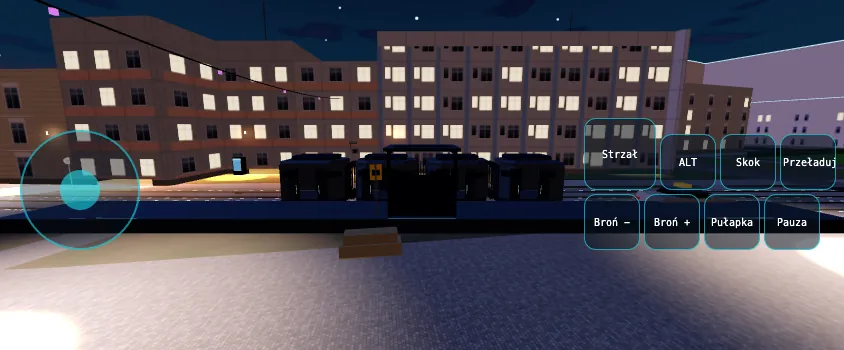
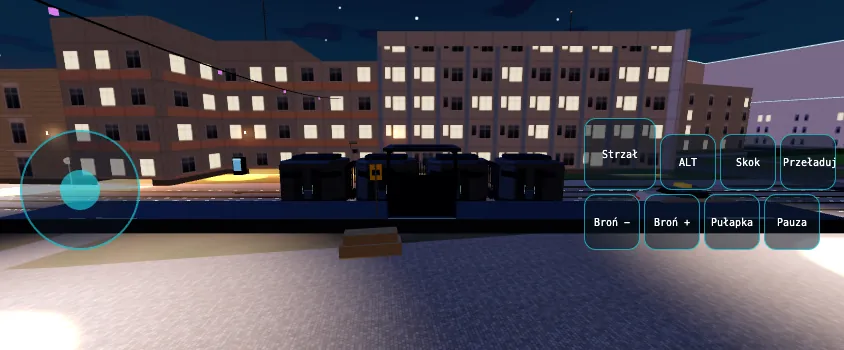
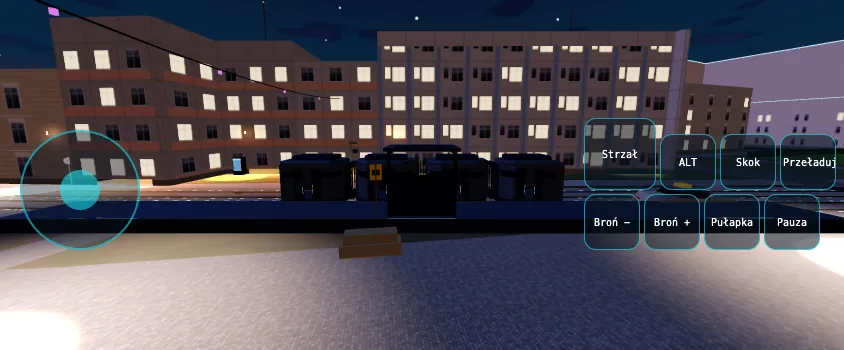
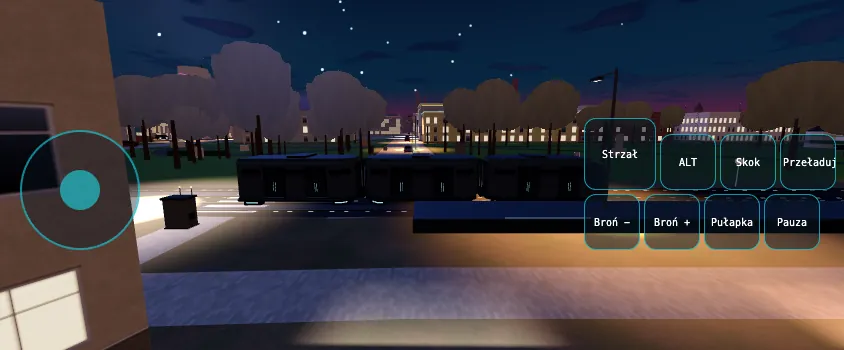
The warning corridor (D5) is a strip of light on the road, drawn from the tram’s future positions over the next 3 s – computed from the same function of time. The first version passed the tests but was invisible from above; how that was caught and fixed is told in the TRAM-1 case study, and the before/after comparison is in section 6.
Contact with a tram: always a push, 5 HP of damage only when the tram moves faster than 0.5 m/s, and at most once per pass. Standing at the platform is safe.